Free core features · Works offline · Browsing stays on your device
Instrument 01Profile memory / local
Stop repeating the same adjustments.
Zoom changed again
Lines run too wide
Theme lost on return
01 / Calibrate
Tune the page, not your posture.
There is no “correct” font for every reader. Start with what feels easy, then save the combination—not a prescription.
Live reading sample
A layout that returns with you
Comfort can depend on the page, the hour, and the kind of reading. A narrow article may need generous spacing; a reference page may work better with compact lines.
Move these controls to test the geometry. The extension remembers the full combination for each hostname.
02 / Remember
Three moves. Then just read.
1
Open a page
Select the extension on any regular website. Protected browser pages remain untouched.
2
Tune with live feedback
Adjust type, size, spacing, line length, surface, and the optional moving focus band.
3
Save to the site
Name the profile and assign it. Settings return locally on every visit, with no account.
03 / Keep control
A profile system, not a diagnosis.
Aa
Four honest font stacks
System, humanist, serif, or mono fallbacks—never a claim that one face works for everyone.
↔
Reading geometry
Set 36–96 character lines, leading, letter spacing, and text size independently.
▰
Optional focus band
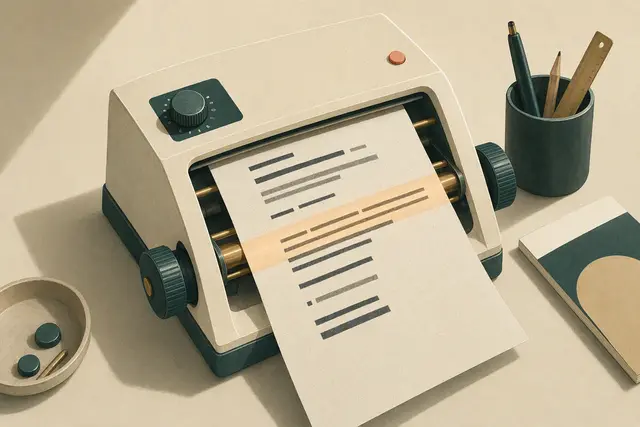
A translucent guide follows your pointer or keyboard focus without capturing clicks.
⌂
Local by design
Only your profile settings and hostname assignments are stored. Export or import them anytime.
Manual install / Chromium
Install the signed-off build.
Chrome Web Store review comes later. This factory build installs in developer mode and can be removed at any time.
Download and unzipSave the package somewhere permanent.
Open ExtensionsVisit chrome://extensions and enable Developer mode.
Load unpackedSelect the unzipped folder, then pin the instrument icon.
Support the product once and unlock three decorative instrument faceplates. Profiles, site matching, every comfort control, and backup/restore remain free forever.
Secure hosted checkout. Sociobot/Dodo is the merchant of record; refunds are handled there and revoke the license.
A clear boundary
Comfort settings, not medical advice.
Eye Comfort Profiles changes presentation only. It does not test, diagnose, prevent, or treat any eye condition. Persistent pain or vision changes deserve advice from a qualified eye-care professional.
You’re offline. The download may be unavailable, but installed profiles keep working.